
Running a bookkeeping firm where you can work from anywhere requires the right digital foundations: workflows that run without your physical presence, client processes that don't depend on in-person contact, and systems that scale as you grow without creating proportionally more work.
This checklist can help you assess where your practice stands today. Identify what's already working, where the gaps are, and what to prioritize first so you can build a flexible, remote-ready firm.
AREA 1: Fully digital workflows
-
All client bill payments are initiated through a digital platform, not a bank portal.
-
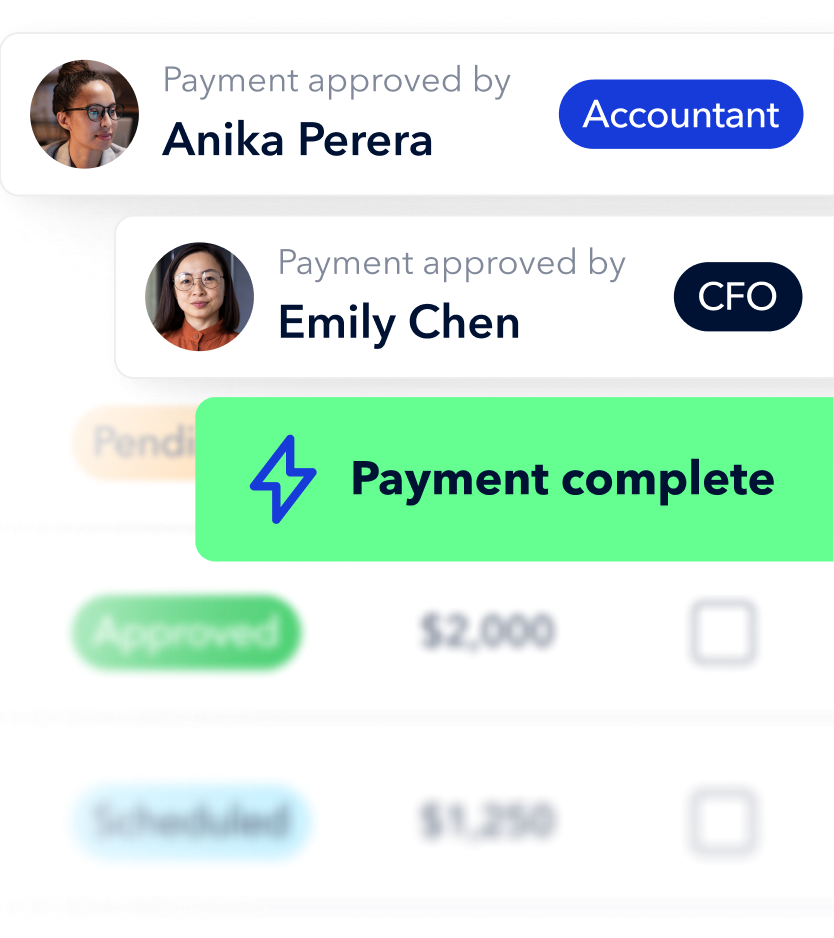
Clients approve payments through a role-based workflow, not a phone call or email.
-
Every payment is automatically reconciled with your accounting software (QBO, Xero, or NetSuite).
- You have a complete digital audit trail for every transaction across all client files.
AREA 2: Processes built for scale
-
You can add a new client without adding significant manual payment admin to your week.
-
Payment workflows can be delegated to a VA or subcontractor without losing oversight or control.
-
Approval rules are automated by amount or vendor; you only review exceptions.
AREA 3: Strategic, advisory work enabled
-
Clients have real-time visibility into their payment status without calling you to ask.
-
You manage both AP and AR for clients from a single platform.
-
Time saved on admin is being redirected to higher-value advisory conversations.
Score your results
|
8–10 checked |
Your foundations are solid. Focus on the gaps to move into advisory work. |
|
5–7 checked |
Good progress. Prioritize unchecked items by key area. |
|
Under 5 checked |
Start with Key 1. A fully digital workflow is the foundation everything else builds on. |