Running to the bank with cheques every day isn't a viable business process; it's a bottleneck. When your construction firm is managing multiple jobs, coordinating dozens of vendors, and trying to keep payment schedules aligned with project timelines, manual payment methods create friction your business can't afford.
Cheques require physical signatures from people who are rarely in the office at the same time. Wire transfers need manual setup for every single transaction, with no flexibility for approval workflows and no way to connect invoice processing to actual payments. Meanwhile, subcontractors and suppliers are waiting, and your cash flow is harder to track than it needs to be.
Electronic payments are faster, more transparent, and they give you the control and visibility that cheque-writing can't match. Transitioning to electronic payments might seem complicated when you're juggling multiple projects, but when you approach it systematically, workflows become clearer, vendor management gets easier, and payments stop falling through the cracks.
What types of electronic payments work for construction companies?
Electronic payments are any payments processed digitally instead of manually. The value isn't just convenience; it's predictability, security, and documentation.
When you move to electronic payment systems, fewer people need to handle sensitive banking details. You can set up custom permissions and approval tiers that match how your business actually operates. Every transaction creates a clear audit trail automatically, which matters when lenders, accountants, or clients have questions.
Electronic payments also turn vendor management from reactive to proactive. Instead of fielding calls about payment status or scrambling to confirm when cheques will clear, you can give subcontractors and suppliers accurate timelines up front.
.png?width=1640&height=562&name=List%20chart%20-%20light%20(1).png)
EFT, pre-authorized debit, and wires
EFT payments are the standard for most construction businesses. They move money directly between bank accounts on a predictable timeline, which is exactly what you need when coordinating payments across multiple active jobs.
Pre-authorized debit works particularly well for recurring payments, like insurance premiums and suppliers with consistent monthly billing. Set it up once, and those payments execute automatically without anyone needing to remember or approve each one individually.
Wire transfers can be used very large transactions or specific vendor requirements. But they're expensive and require manual bank involvement.
Why builders are moving away from cheques and wires
Cheques slow everything down. You can spend time chasing down people who are frequently on job sites instead of in the office. Even when everyone's available, the cheque still needs to be printed, signed, mailed or delivered, deposited, and cleared — a process that can easily take a week or more.
Wires create different problems. They're expensive (often $25 - 50 per transaction), and they're nearly impossible to track across multiple projects. When you need to verify a payment that went out the month before or reconcile payments against invoices, you're stuck piecing together bank statements instead of pulling up a clean report.
Both methods also make it harder to maintain clear financial visibility. Tracking what's been paid, what's pending, and what's overdue across multiple projects means digging through spreadsheets and bank statements instead of having visibility in one place.
How to transition your business to electronic payments
You don't need to overhaul everything overnight. Here's a practical approach that lets you keep projects running smoothly while you make the switch.
-
Start with one project or one vendor
Most builders who transition successfully do it incrementally. Pick a single project or a vendor you work with frequently and run their payments through your new system first.
This gives your office team time to learn the workflow without the pressure of managing multiple payment deadlines through an unfamiliar process. It also lets you identify any friction points or questions before they affect your entire operation.
-
Bring your internal team in early
Every business has its own rhythm, and changing payment processes will shift that rhythm. Get ahead of it by involving project managers, site supervisors, and office staff before you flip the switch.
Walk them through how electronic payments will fit into existing workflows. Clarify who approves what, explain how invoice processing will work, and show them where they'll have visibility into payment status. When people understand the system before they need to use it, adoption goes much smoother.
-
Notify subcontractors, suppliers, and other vendors
Trades and suppliers appreciate knowing when your payment process changes, especially if it affects how or when they receive money. Give them a clear overview of what's changing and what they'll need to do differently.
This communication is an opportunity to strengthen vendor relationships. When you explain that payments will now happen on a predictable schedule with better visibility, most vendors see it as an improvement. It reduces back-and-forth during busy periods and builds confidence in your reliability.
-
Collect the information you need
Different systems handle vendor banking details differently. Some require you to collect and enter full banking information upfront. Others allow subcontractors and suppliers to enter their own information securely when they receive their first payment request.
Look for systems that use the second approach. It reduces how many people handle sensitive details, improves identity verification security, and eliminates the errors that come from manual data entry. Your vendors get secure links, enter their information once, and you're done.
-
Set up your online payment system
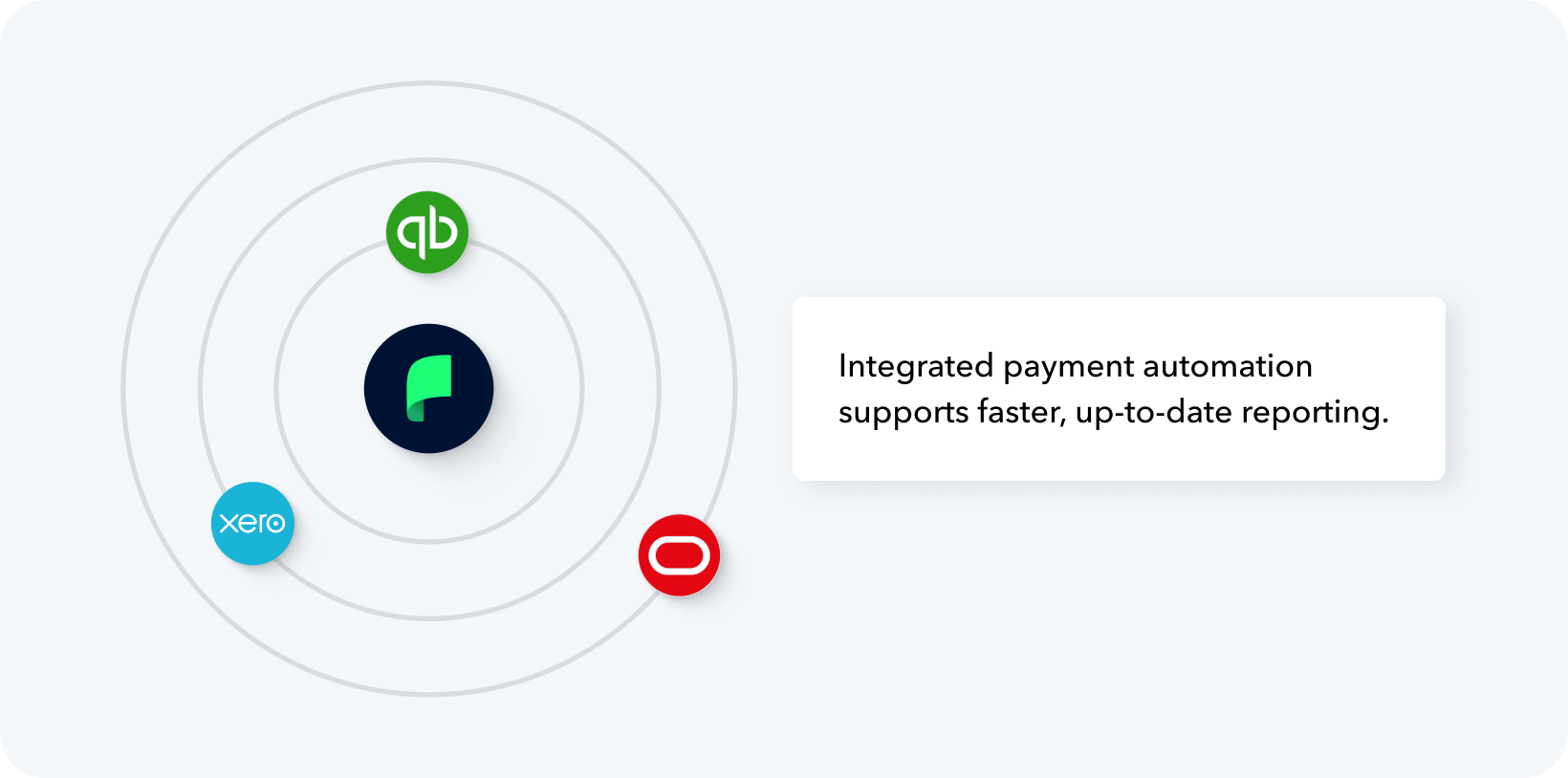
A strong online payment system should integrate directly with your accounting software. For example, Plooto integrates with QuickBooks, Xero, and NetSuite. Vendor contacts, invoices, and job information flow in automatically instead of requiring you to make duplicate entries.
Integrations like these are essential for effective accounts payable automation. They let your office keep pace with what's happening in the field, even when schedules shift or new invoices arrive unexpectedly.
Once your contacts and bills sync into the system, you can configure payment scheduling, set up recurring payments for regular vendors, and build approval workflows that reflect how decisions actually get made in your business. The right system will let you customize approval tiers, so smaller payments move quickly while larger ones get the oversight they need.
-
Run your first payments
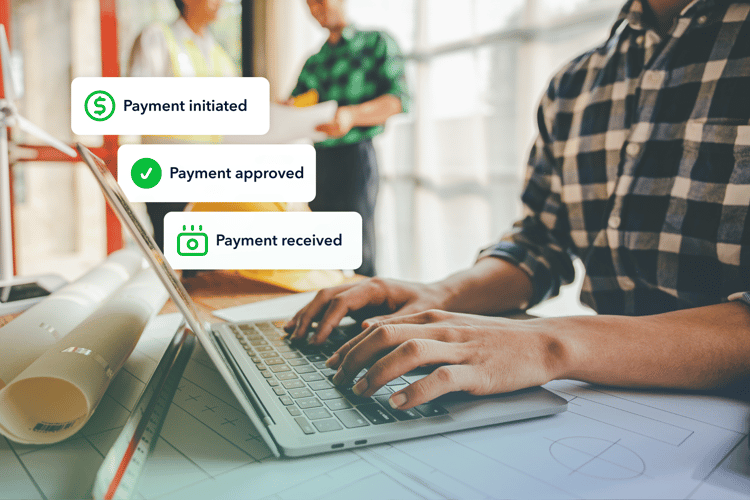
Once everything is configured, payments typically move smoothly. You'll have complete visibility into when a payment gets initiated, when it clears the bank, and whether anything needs attention.
The contrast with cheque-based workflows will be obvious immediately. Instead of wondering whether someone remembered to mail the cheque or whether the vendor deposited it yet, you can see the entire payment lifecycle in real time. This visibility makes cash flow management way more straightforward, and it helps you make better decisions about taking on new work or scheduling major purchases.
The transition to electronic payments is about building a payment infrastructure that actually supports your business's growth instead of creating obstacles. When payments happen predictably, vendor relationships are stronger, administrative burden decreases, and you gain the control you need to scale your business.